
AI Detector Chrome Extension
Overview
Redesigned an AI Detector Chrome Extension to create a more intuitive, cohesive in-browser experience while introducing monetization-driven UX patterns. The goal was to elevate both usability and conversion potential without expanding the core feature set.
Role
Owned the full design process from ideation through developer handoff, including competitive analysis, interface architecture, UI system design, and the integration of revenue-focused UX patterns.
Challenges
With development scope limited to existing functionality, the challenge was to unlock meaningful UX and business improvements purely through design—while ensuring the system could scale with future feature expansion.

Results: Pre-Post Analysis
Total Purchases
131% Increase
Average Revenue Per Day
173% Increase
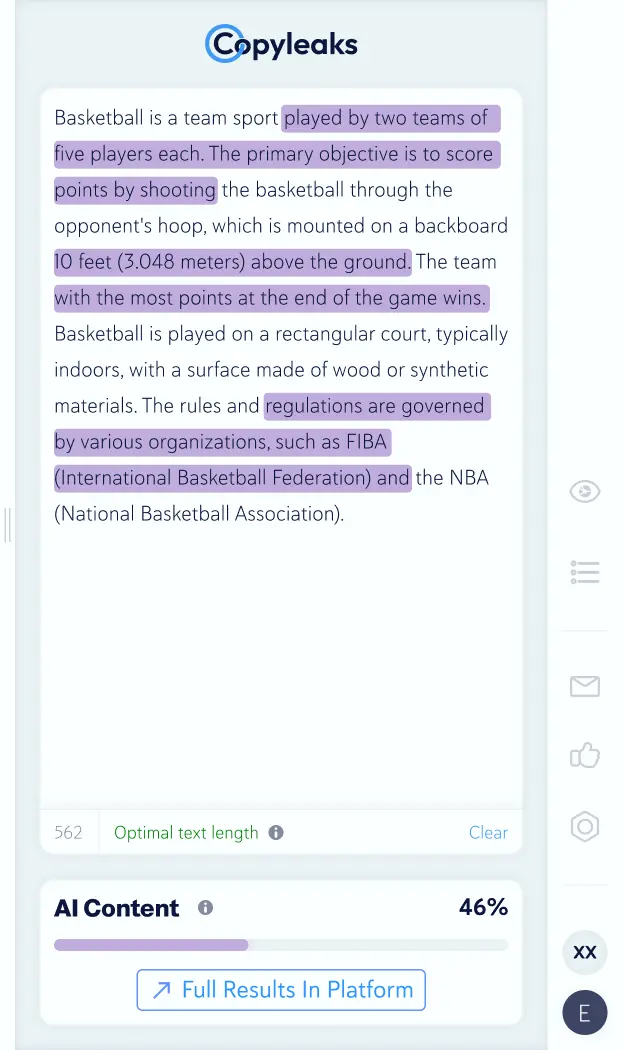
Redesigned Interface Structure
The Problem
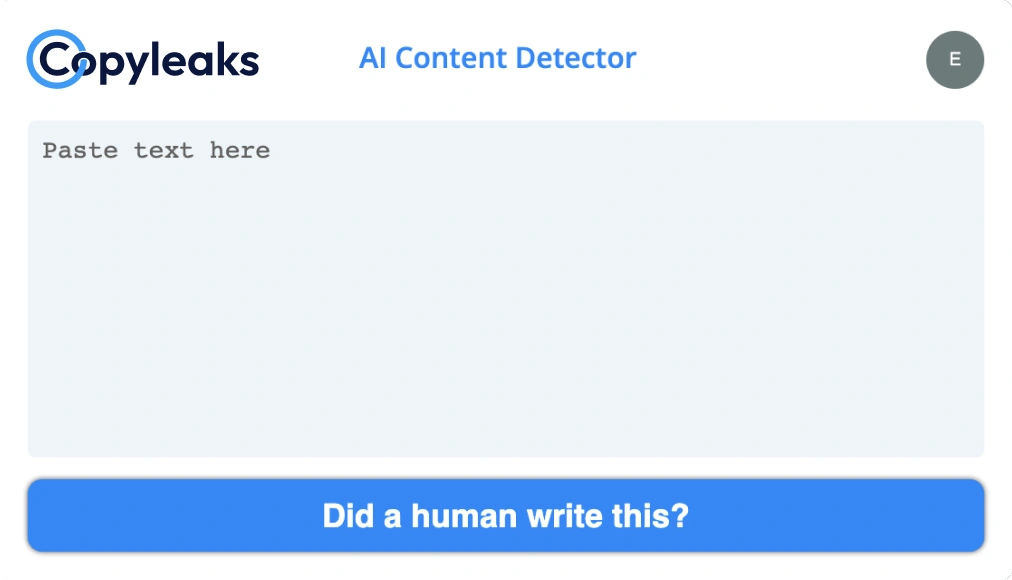
The extension existed as a modal overlay with a single input field—blocking the browser and restricting users from working in parallel. This structure also prevented the product from expanding beyond its core use case.
The Challenge
Create an experience lightweight enough to coexist with the browser, yet robust enough to scale into a multi-feature platform.
The Solution
Shifted the extension to a persistent side panel, allowing users to interact with it alongside their workflow. A new sidebar navigation introduced multi-page support, unlocking both immediate usability improvements and long-term product expansion.
User Entry Points
Because the extension lived exclusively within the browser’s extensions menu, usage depended on intentional access—limiting both visibility and frequency.
The redesign embeds the product directly into the browsing experience through two lightweight entry points:
Contextual Trigger – Appears on text selection, enabling immediate scanning with no setup.
Persistent Access Point – A movable quick-access icon keeps the extension always within reach, reducing friction and encouraging repeat use.
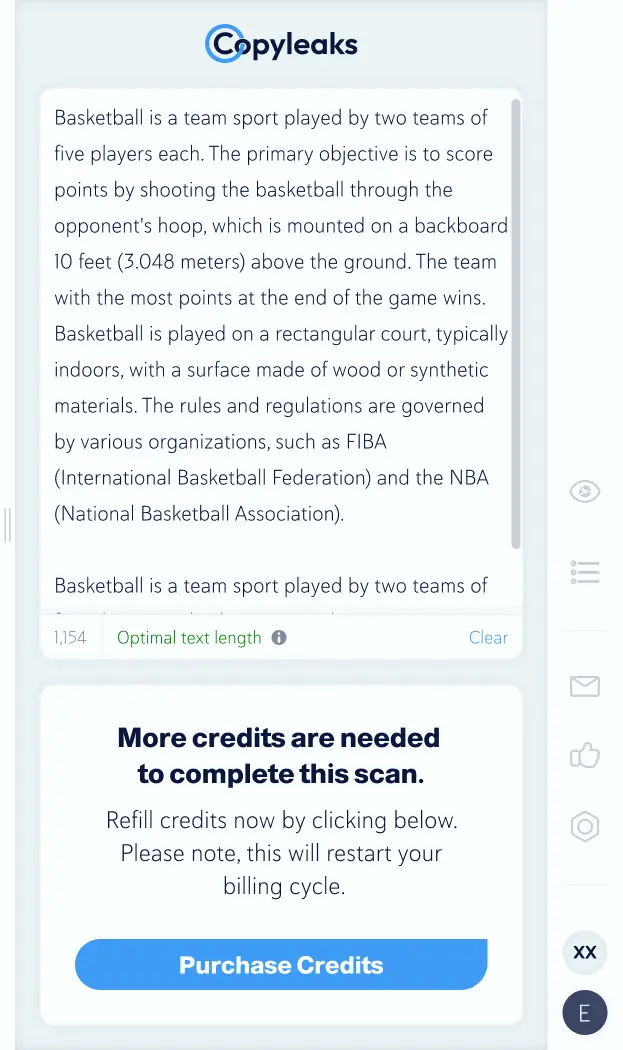
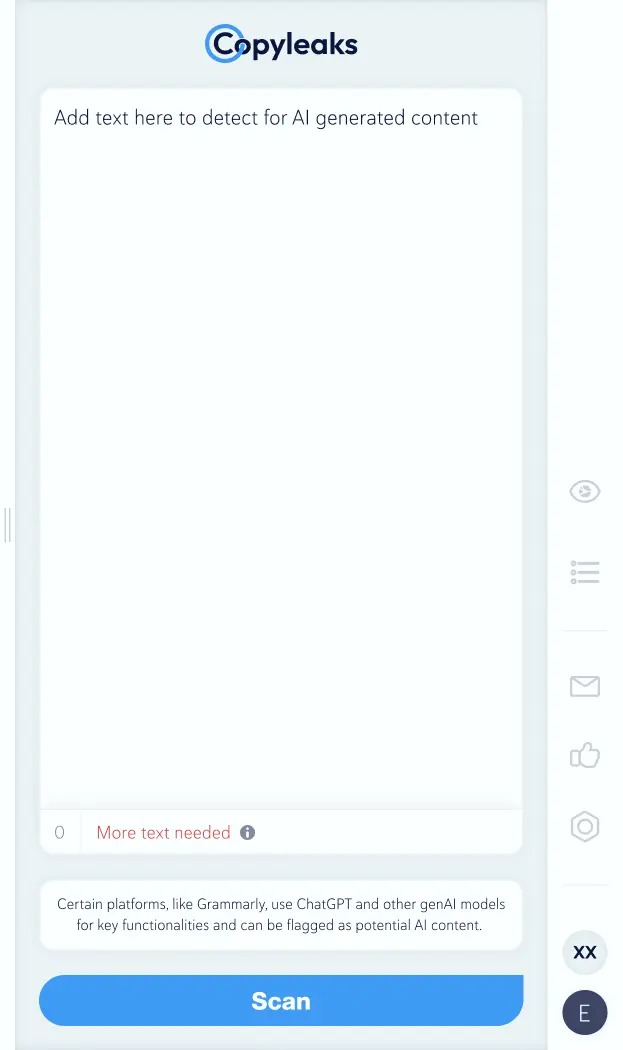
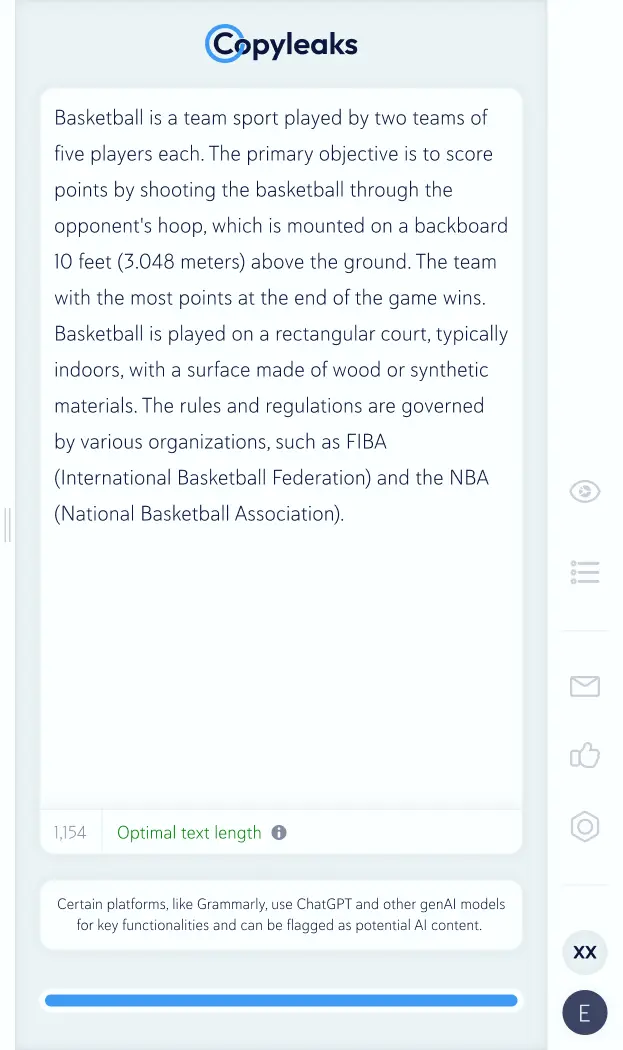
Redesigned User States





Let’s create together.


